
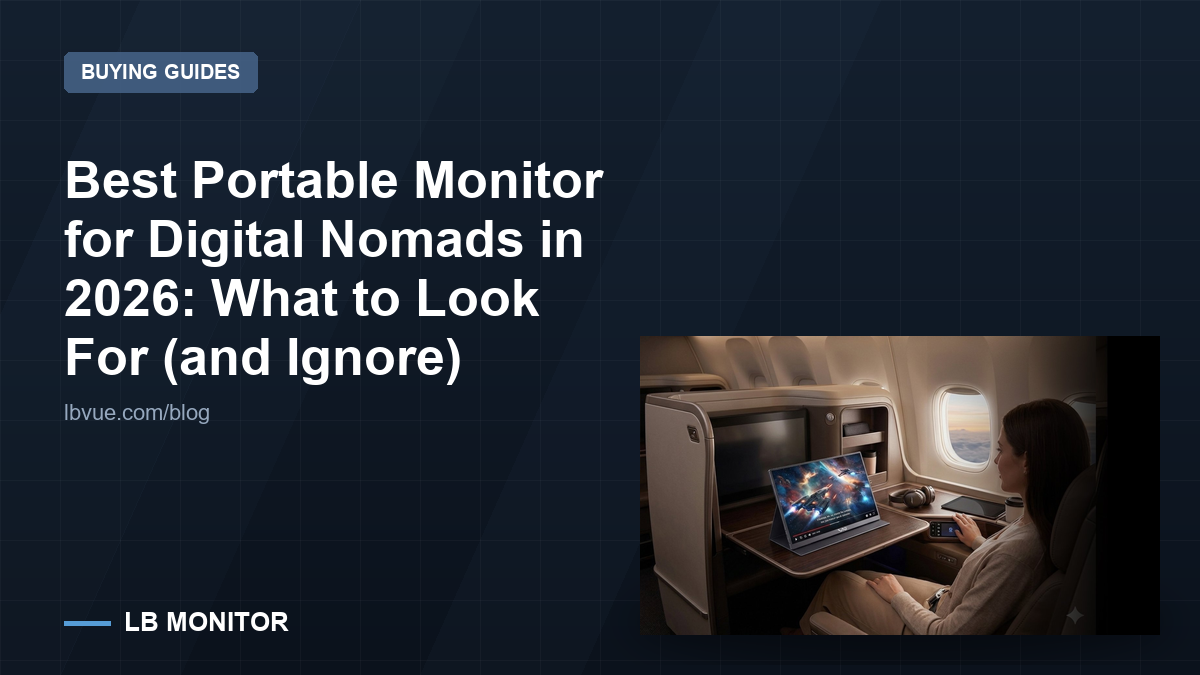
A portable monitor is the highest-leverage item in a nomad’s bag and the easiest one to buy badly. The failure is rarely a dead panel. It is a screen that needs its own power brick, or one that is too dim for the café you actually work in, or a 4K panel that your laptop drives at 30 Hz and that you stop opening after the second week.
This guide is organised around what survives contact with real travel: cables, light, bags and the fact that you will set it up and tear it down several times a day.
What a nomad setup actually has to survive
Four things break portable monitors in practice, and none of them appear on a spec sheet.
- Repeated setup. A screen that takes four steps to deploy gets used twice, then stays in the bag. One cable and a folding cover is the difference between a tool and dead weight.
- Hostile light. Airport lounges, glass-walled cafés and hotel desks under a downlight are all brighter than a home office at night. Contrast under glare matters more than the resolution.
- Bad surfaces. A tray table, a hotel bed, a shared desk with 40 cm of space. The stand has to work without a wall behind it.
- Cable strain. Cables get coiled, crushed and yanked. A connector that is soldered straight to the board with no strain relief will eventually fail at the port, not in the panel.
Everything below is a consequence of those four constraints, not of what looks good in a comparison table.
Size: 15.6 inches is the default, and that is not an accident
Most portable panels sit around 15.6 inches because that is the size that fits a laptop sleeve, a tray table and a 16:9 laptop screen next to it without a second bag.
The LB M16 is a 15.6-inch FHD 1080P IPS panel with 85% sRGB coverage and USB-C input — the standard shape of the category. The honest trade at this size is that 1080p over 15.6 inches is roughly 141 pixels per inch. Text is comfortable; it is not a retouching screen.
If you want more canvas and mostly work at a desk, an 18.5-inch panel like the LB M18 buys real estate at the cost of bag fit. At 18.5 inches and 1080P the pixel density drops noticeably, and the panel no longer slips into a laptop sleeve. That is a legitimate trade for someone who moves between apartments rather than between cafés, and a bad one for someone living out of a 40-litre pack.
The full range, including 23.8-inch and dual-screen options, is listed under portable monitors if you want to see how the sizes compare before committing.
| If you mostly… | Size that fits | What to prioritise | What to skip |
|---|---|---|---|
| Work 2–4 hours in cafés and coworkings | 15.6″ | One-cable operation, cover that doubles as a stand | High refresh, HDR claims |
| Live in apartments, move monthly | 18.5″ | Desk footprint, viewing distance | Bag fit |
|---|---|---|---|
| Need two screens for trading or code | Dual 15.6″ | Rigid hinge, single-cable drive | Two separate power adapters |
| Edit photos or colour-critical work | None of the above | A calibrated desktop panel | Portable panels in general |
|---|
| Claim on the listing | Why it usually does not apply to travel |
|---|---|
| HDR support | Portable panels rarely hit the brightness for meaningful HDR; the badge is a format flag, not an experience |
| 144 Hz on a work panel | Costs battery and price; on a second screen for documents it changes nothing |
|---|---|
| “4K portable” without a stated Hz | Often 30 Hz over a single cable — verify before paying for it |
| Built-in speakers | Universally worse than the laptop’s own; a slight thickness penalty for a feature you will mute |
|---|---|
| “Eye-care” certification | Marketing wrapper around flicker and blue-light settings you can adjust yourself |
| VESA mount support | Nomads do not carry arms; it matters only if the screen will live on a desk |
|---|